


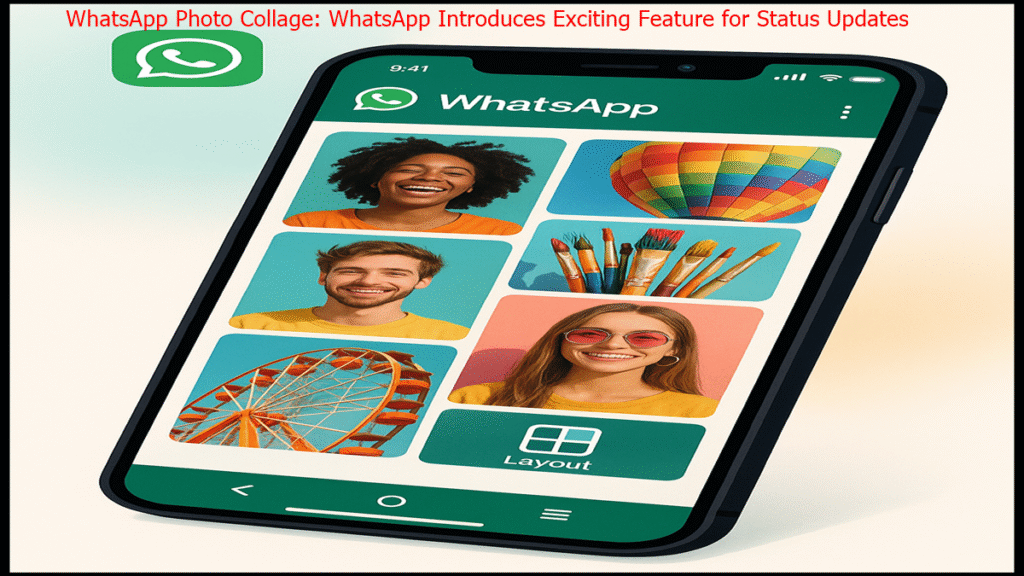


Create WhatsApp Photo Collage with Up to Six Photos in a Single Status
No Need for Third-Party Apps to Design Collages
Easy Customization with New ‘Layout’ Option
Feature Rolling Out Gradually to Users Worldwide
Music and Photo Stickers to Be Introduced Soon
WhatsApp, a leading social messaging platform, has launched a new feature WhatsApp Photo Collage that enhances the user experience by allowing the creation of photo collages directly within the app. This update enables users to combine multiple photos into a single status update without relying on third-party editing applications. The introduction of this built-in collage feature marks a significant step toward improving the WhatsApp Status experience, making it more engaging and user-friendly.
Previously, users who wanted to share multiple photos in a single WhatsApp Status had to use external editing apps to create a WhatsApp Photo Collage beforehand. This process was often cumbersome. To address this inconvenience, WhatsApp has now integrated a built-in collage editor, allowing users to select up to six photos and arrange them in a single frame according to their preferences.
Using the new feature WhatsApp Photo Collage is straightforward. When selecting photos for a status update, users will notice a new “Layout” option on the screen. By tapping this option, they can choose photos from their gallery and arrange them in various layout designs to create a personalized collage. Currently, the feature is available to a limited group of users, but WhatsApp has announced plans to roll it out globally in phases, ensuring all users can access it soon.
Recently, WhatsApp introduced the ability to add music to Status updates, and the collage feature builds on this enhancement. The company has also revealed plans to introduce additional creative tools, such as music stickers and photo stickers, in the near future. These updates aim to make the WhatsApp Status section more dynamic and user-friendly, empowering users to express themselves creatively.
WhatsApp Photo Collage: FAQs
1. What is the new WhatsApp photo collage feature?
The new feature allows users to create a collage of up to six photos directly in WhatsApp for their Status updates, eliminating the need for third-party apps.
2. How do I use the collage feature on WhatsApp?
When uploading a Status, select photos and tap the “Layout” option to choose and arrange up to six images in various designs.
3. Is the collage feature available to all WhatsApp users?
Currently, it’s available to a limited group of users, with a global rollout planned in phases.
4. Will WhatsApp add more creative features?
Yes, WhatsApp plans to introduce music stickers, photo stickers, and other creative tools for Status updates in the future.
5. Do I need an external app to create collages on WhatsApp?
No, the new built-in collage editor allows you to create collages directly within WhatsApp.
Disclaimer
The information in this article is based on the official announcement from WhatsApp regarding its new photo collage feature. Details about the feature’s availability and future updates are subject to change as per WhatsApp’s official rollout plans.
For more information on WhatsApp’s latest features and updates, visit the official WhatsApp blog: https://blog.whatsapp.com/
Also Read: AI-Powered Google Classroom Tools for Teachers: Enhancing Education with Gemini and NotebookLM